
Choose the right Neptune Pacific Direct Line reference
Neptune Pacific Direct Line (NPDL) is listed under PDLU in CargoScope's coverage catalog. Its supported standalone inputs are container number, Bill of Lading or booking number. Select the reference type that matches your document; changing the input label does not turn an unsupported reference into a supported one.
- container number: Use the complete equipment number, including its final check digit. It identifies one box; the number's owner prefix alone does not prove which shipping line operates the voyage.
- Bill of Lading: Use the transport document issued by the selected line or NVOCC. A forwarder's house reference and the ocean line's master reference are not interchangeable; confirm the issuer before starting.
- booking number: Use the booking confirmation issued by the selected company. A booking can precede the allocation of a container, so container links and movement events may appear later.
PDLU identification and coverage
Use PDLU to distinguish Neptune Pacific Direct Line (NPDL) from similarly named companies in the line picker. This entry has no additional catalog aliases. Check the issuer on your document if the selected company and your shipment details disagree; do not substitute a related brand based on its name alone.
- Neptune Pacific Direct Line (NPDL) is listed as a shipping-line entry. Its catalog code identifies the tracking selection, not a guarantee of data for every vessel, route or terminal.
Follow the Neptune Pacific Direct Line shipment after it is found
CargoScope keeps the available journey events and the shipping line's ETA on the shipment record. A result can be incomplete while the line is still linking equipment or publishing a movement. Keep estimated dates separate from confirmed events, and use the last reported update to judge freshness. A terminal arrival is not a release instruction: confirm pickup permission, holds and free time with the responsible facility.
What you'll see in CargoScope
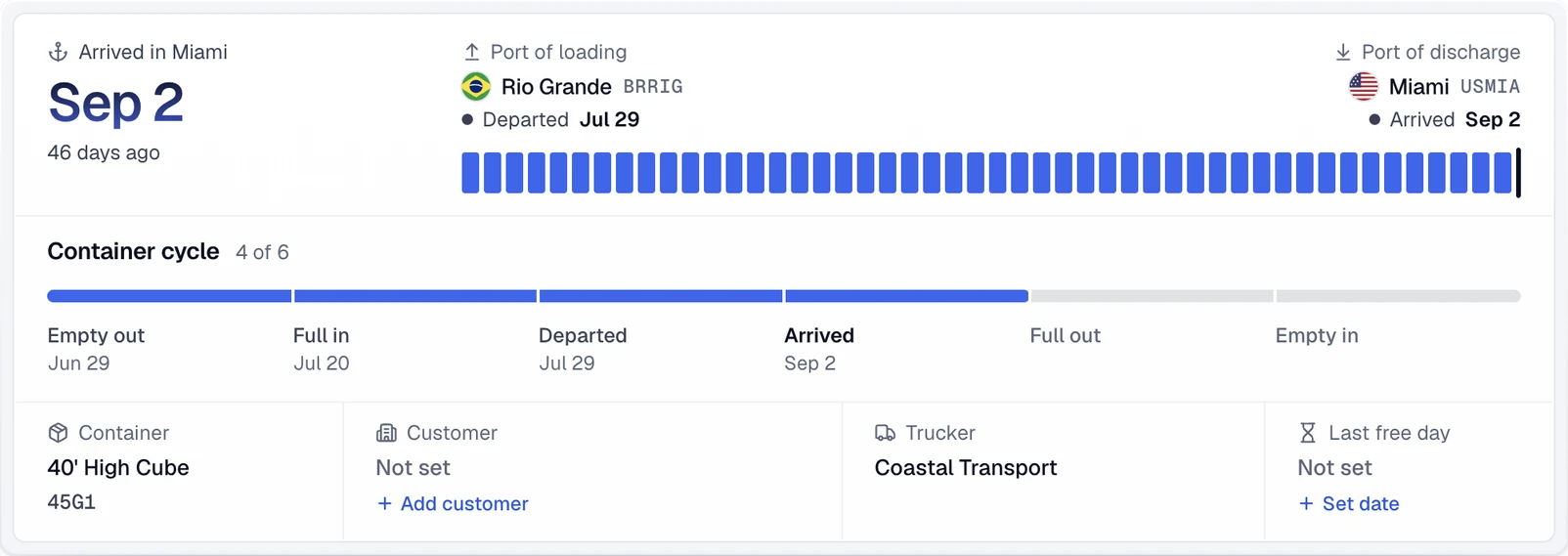
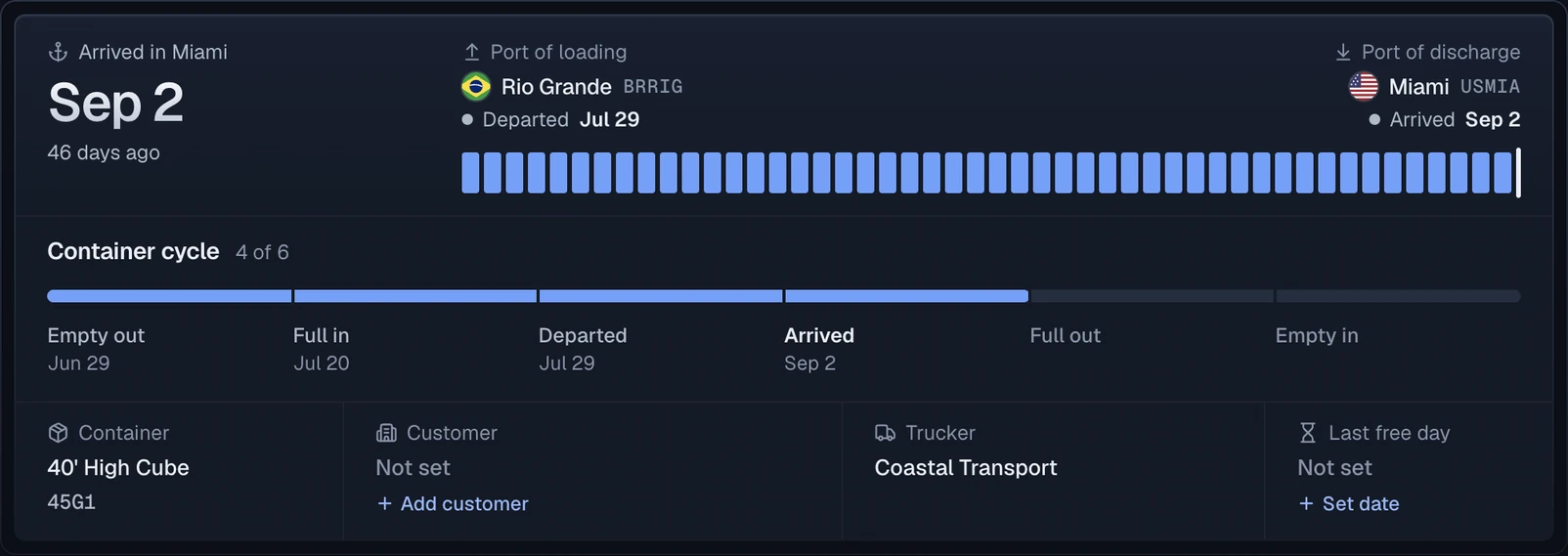
Each Neptune Pacific Direct Line shipment becomes one record with a journey summary: the port of loading, the port of discharge, the final destination and the line's ETA.
Official sources
Questions
Which references can CargoScope use for Neptune Pacific Direct Line?
The 2026-09-30 coverage snapshot lists container number, Bill of Lading or booking number for Neptune Pacific Direct Line (NPDL) (PDLU). The authenticated workspace checks current availability; the public guide cannot enable a tracking route.
Why might my PDLU shipment have no updates yet?
Confirm the selected company and reference type first. A valid reference may still have no published events, or the line may be temporarily unavailable. A missing update is not proof that the container has not moved. Keep an existing shipment and its history rather than creating duplicates to force a refresh.
Does this page mean CargoScope has a direct partnership with Neptune Pacific Direct Line?
No. It describes the references listed in CargoScope's tracking catalog. It does not claim an official partnership or direct access to every terminal and railroad on the shipment's route.