
Supported booking carriers
The form on this page lists the major lines most teams start with: Maersk, MSC, COSCO, CMA CGM, Hapag-Lloyd, Ocean Network Express, Evergreen, HMM, OOCL, PIL, Wan Hai, Yang Ming, and ZIM Integrated Shipping Services. Many more carriers and NVOCCs accept booking numbers, and the shipping lines directory shows which ones. Select the shipping line so CargoScope treats the reference as a booking number, not as a container number.
Why booking tracking matters
Carrier tracking portals commonly make room for shipment references before operators have every final container number. CargoScope follows that intent with a booking-number input plus required shipping-line selection, then keeps available milestones, container links, and ETA updates in one saved workspace when the carrier returns them.
Booking records and linked containers
When the carrier links containers to a supported booking reference, CargoScope keeps the child containers and their available events attached to the saved booking shipment for easier follow-up.
What you'll see in CargoScope
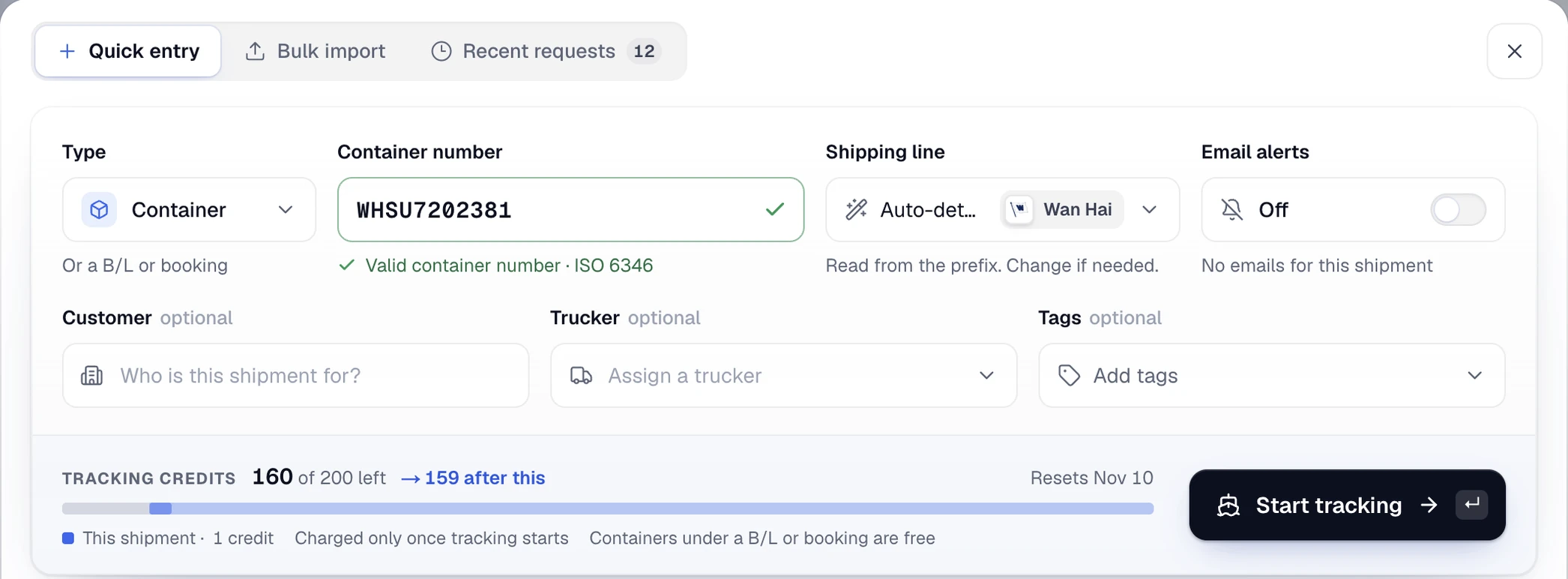
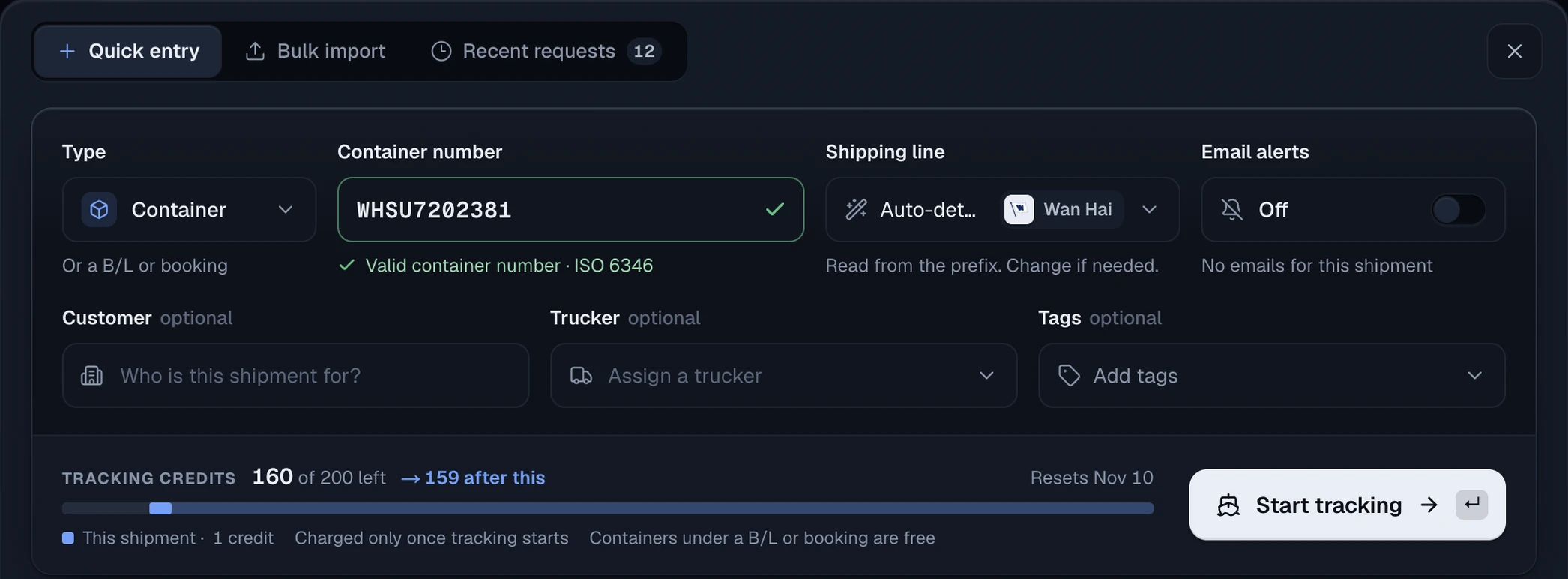
A booking goes in through the same New shipment form: pick Booking as the tracking type, enter the number and choose the line. As the form says, containers found under a booking are tracked with it at no extra credit.
Questions
Can I track by booking number in CargoScope?
Yes. Booking numbers work with supported shipping lines and NVOCCs, including Maersk, MSC, COSCO, CMA CGM, Hapag-Lloyd, Ocean Network Express, Evergreen, HMM, OOCL, PIL, Wan Hai, Yang Ming, and ZIM Integrated Shipping Services. The shipping lines directory shows which lines accept booking numbers.
Do I need to choose the shipping line for booking tracking?
Yes. Booking numbers do not reliably identify the carrier by format alone, so CargoScope requires manual shipping-line selection for booking tracking.
What if I already have the container number?
Use container tracking if you already have the container number. Booking tracking is useful earlier in the shipment lifecycle when the booking reference is available before every final container is confirmed.