
One B/L, multiple container journeys
A Bill of Lading can cover several containers. CargoScope keeps the B/L as the parent shipment, discovers the available child containers, and gives each container a compact selector so operators do not confuse one box's events with another.
- Parent B/L record
- Discovered child containers
- Separate journey per container
Resolve the shipping line once
B/L tracking requires a supported shipping line and uses the best available carrier connection.
Milestones and ETA stay source-led
CargoScope shows confirmed carrier and terminal milestones where available. An ETA appears only when the carrier provides one; until then the workspace shows that it is waiting for carrier ETA rather than inventing a date.
Built for operational follow-up
Freight teams can search the B/L or a discovered child container, review the current journey, export available data, and keep alerts and customer context attached to the same shipment record.
What you'll see in CargoScope
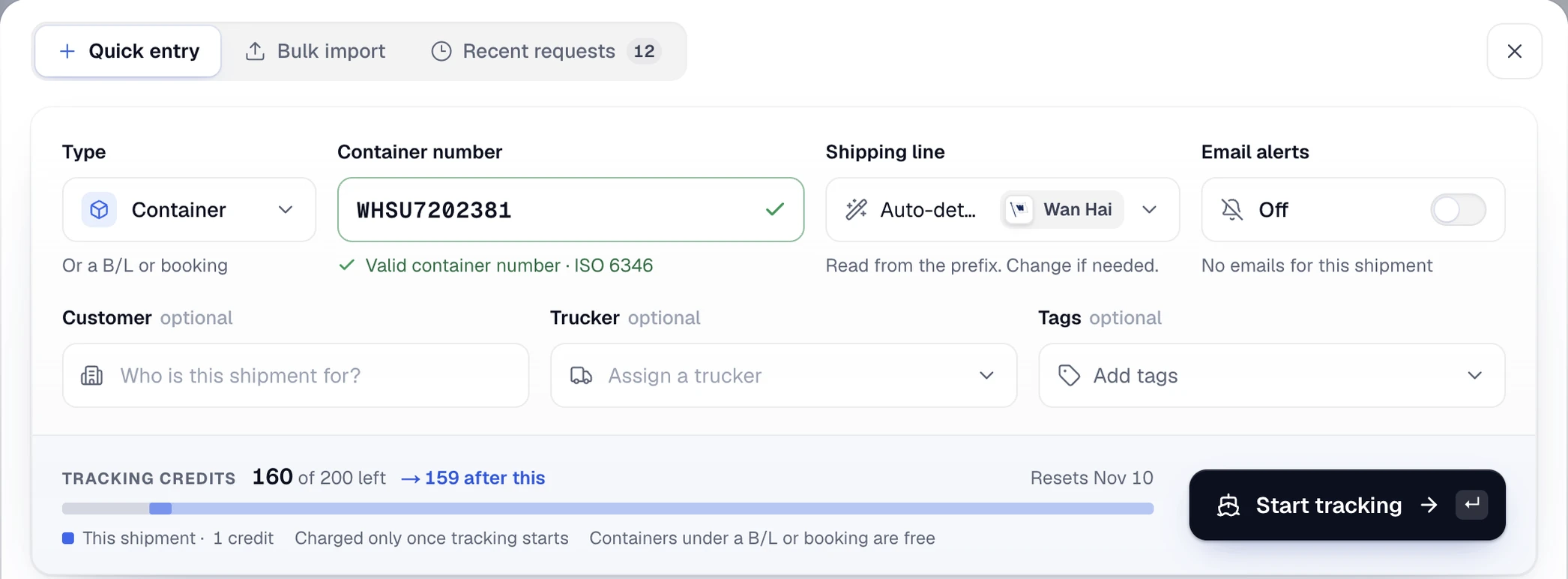
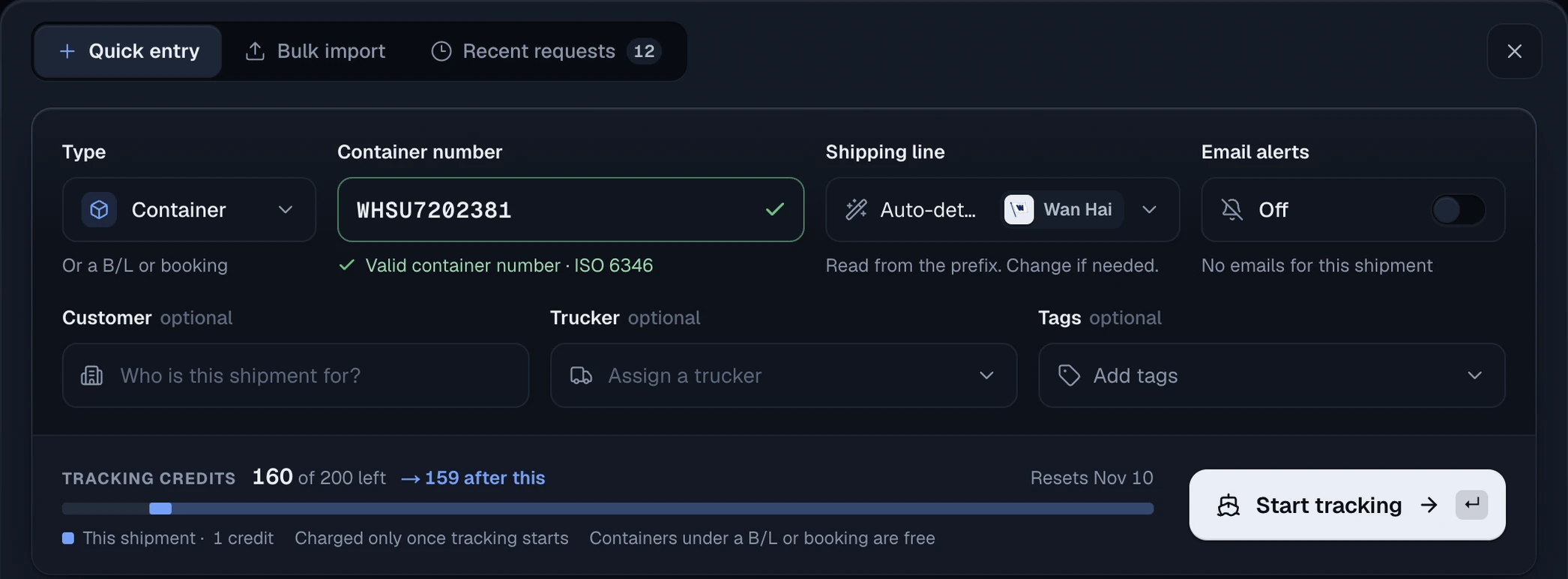
Choose Bill of Lading in the New shipment form and enter the reference and shipping line. The form explains that containers found under a B/L are included without an extra tracking credit.
Questions
Can CargoScope track a Bill of Lading?
Yes. B/L tracking is included with every active paid plan, starting with Starter. Enter the Bill of Lading number and select the shipping line.
What happens when a B/L contains several containers?
CargoScope keeps the containers under the parent B/L and provides a container selector so each journey shows its own milestones.
Does CargoScope guess an ETA when the carrier has not provided one?
No. The workspace shows that it is waiting for carrier ETA and replaces that state only when a carrier-provided date is available.
How many carriers does CargoScope cover?
CargoScope coverage spans 215+ shipping line & NVOCC connections. Data depth and supported reference types vary by carrier, and the shipping lines directory shows what each one supports.