
What CargoScope centralizes
CargoScope gives freight teams one container visibility dashboard for active shipments: milestone timelines, the latest carrier ETA, milestone email alerts and at-risk flags, so nobody has to rebuild status from scattered carrier portals.
- Container number tracking
- Shipment milestone monitoring
- Latest carrier ETA
- Milestone email alerts
- At-risk and overdue-arrival flags
- Demurrage and detention risk flags
- Team dashboard
- Shared client tracking links
Before CargoScope
Teams manually check portals, update spreadsheets, answer repetitive customer emails, and discover delay risk after it has already become urgent.
After CargoScope
Operations can review active containers in one place, focus on exceptions, and keep customers informed with a cleaner shipment visibility workflow.
Built for daily logistics operations
Forwarders, shippers, importers, exporters, and operations teams use CargoScope to keep shipment updates organized and reduce repetitive manual tracking work.
- Milestone email alerts
- At-risk flags for holds, dwell, and overdue arrivals
- Team visibility for logistics operations
Start with the exact container identifier
A complete container number gives CargoScope the cleanest starting point for carrier context, milestone history, ETA review, and later shipment monitoring.
What you'll see in CargoScope
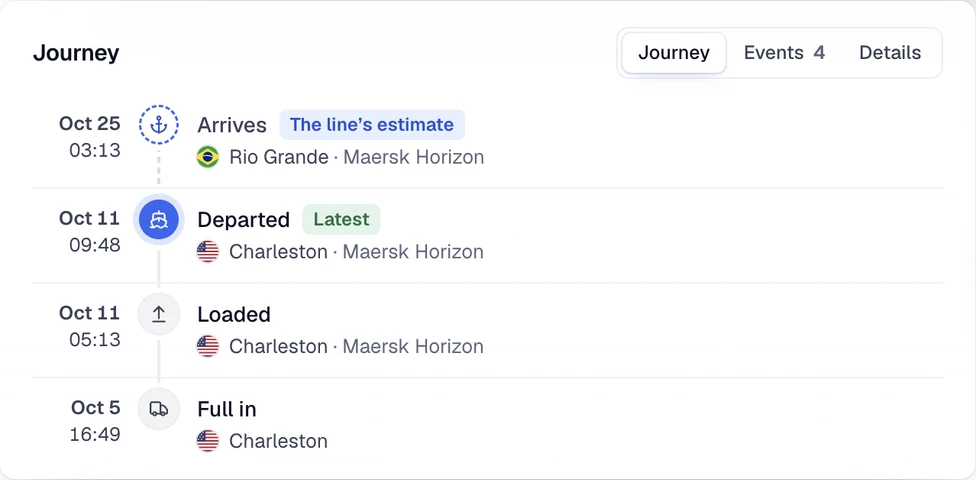
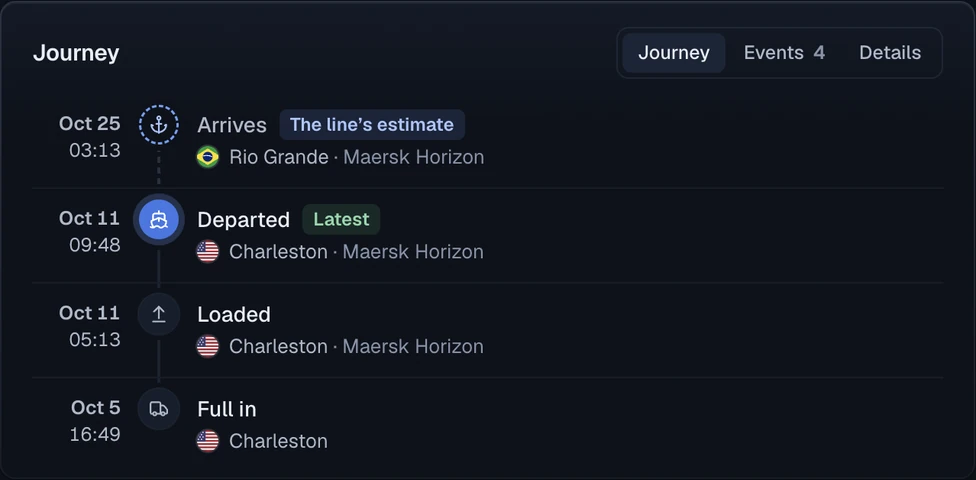
Every milestone the line reports lands on one timeline with its place, date and vessel. The sample arrival is marked as the line’s estimate above the confirmed departure events.
Questions
Can I track a container by container number?
Yes. CargoScope is designed to help users track ocean containers by container number and monitor shipment visibility from one dashboard.
Will this page show sample tracking results?
No. The form on this page saves your reference and takes you to account setup. Tracking starts in your workspace, and CargoScope only shows events the carrier has reported, never sample data.