
Plan inbound work with better visibility
Importers and shippers need ETA context, milestone updates, and delay signals to plan receiving, warehouse work, customer promises, and drayage coordination.
Monitor exceptions
CargoScope helps teams focus on shipments that changed instead of manually checking every carrier portal every day.
Reduce avoidable cost exposure
Earlier visibility helps teams coordinate faster around arrival changes, holds, and other signals that can increase demurrage or detention risk.
What you'll see in CargoScope
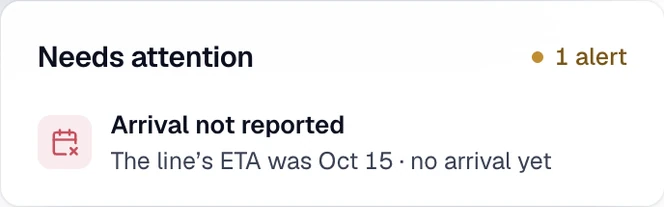
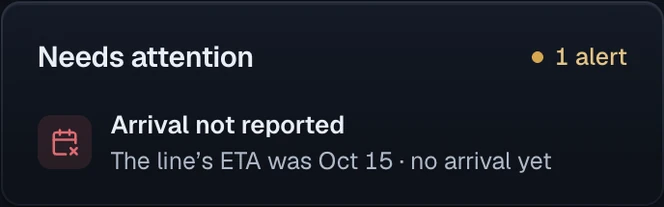
When the line’s ETA passes without a confirmed arrival, receiving sees Arrival not reported. The team checks the latest events before treating an estimated date as a confirmed delivery.
Questions
Can I track a container by container number?
Yes. CargoScope is designed to help users track ocean containers by container number and monitor shipment visibility from one dashboard.
Will this page show sample tracking results?
No. The form on this page saves your reference and takes you to account setup. Tracking starts in your workspace, and CargoScope only shows events the carrier has reported, never sample data.