
Why visibility matters
Container delays affect warehouse planning, customer commitments, drayage coordination, and demurrage exposure. Visibility helps teams see risk earlier.
Dashboard workflows
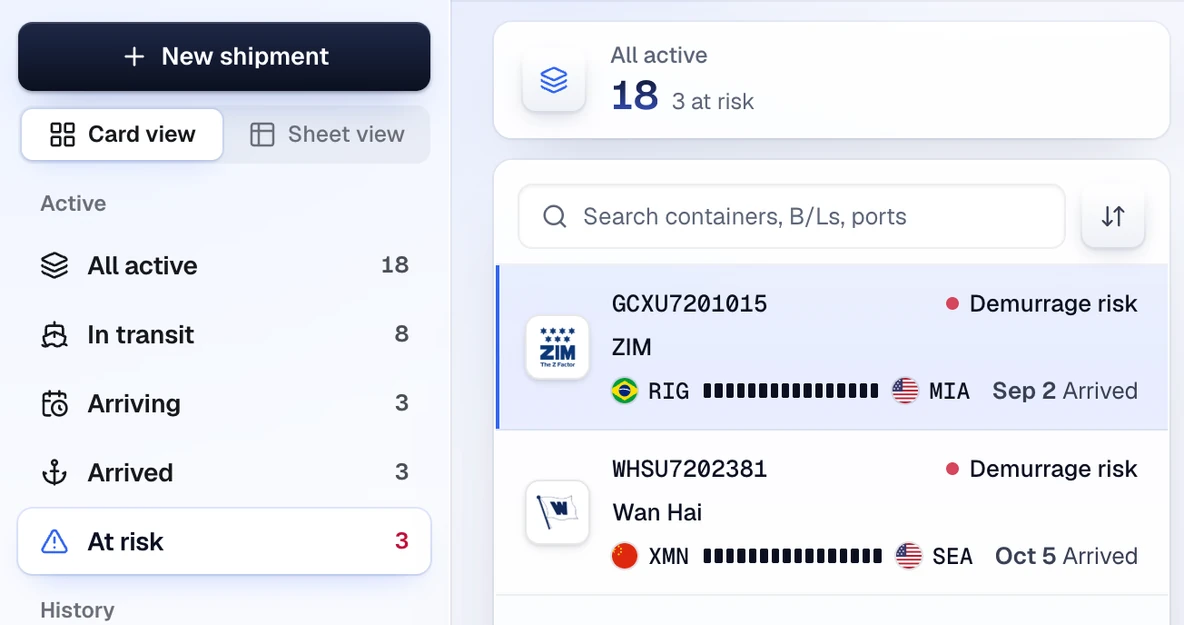
CargoScope brings active containers, current status, milestones, the latest carrier ETA, and at-risk flags into one operating view.
Exception management
Teams can focus on shipments that changed, shipments at risk, and containers that need customer or internal follow-up.
What you'll see in CargoScope
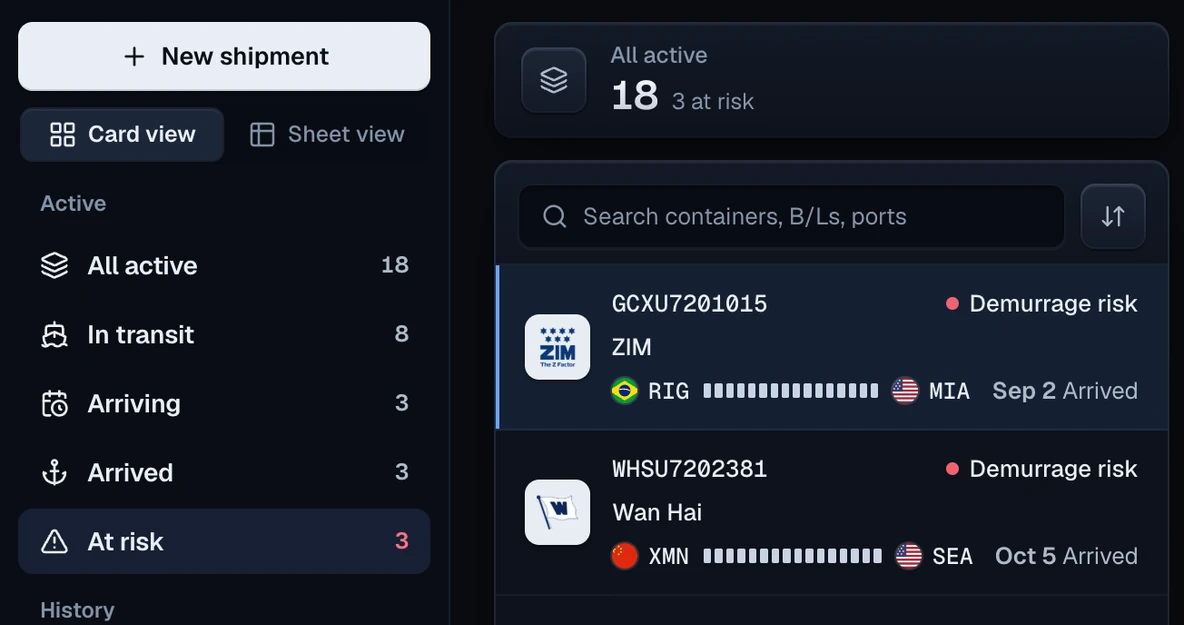
The day starts on the At risk view. The sample list shows shipments with demurrage risk, so the team can open each record and check what needs attention.
Questions
Can I track a container by container number?
Yes. CargoScope is designed to help users track ocean containers by container number and monitor shipment visibility from one dashboard.
Will this page show sample tracking results?
No. The form on this page saves your reference and takes you to account setup. Tracking starts in your workspace, and CargoScope only shows events the carrier has reported, never sample data.