
Start with the complete Matson container number
A standard equipment identifier is four letters followed by seven digits. MATS is a BIC-registered owner code associated with Matson equipment. Use the identifier exactly as printed on the container or shown on the shipment record, because an owner code identifies equipment rather than proving which carrier is operating the current move.
- Copy all four letters and seven digits without spaces
- MATS is a registered container owner code for Matson
- Confirm the operating carrier from the booking, not from the prefix
What Matson's own tracking gives you
Matson publishes an ocean shipment tracking page that returns a high-level status for a container without requiring a user ID or password. That makes it a quick way to answer a single question about a single box. It is a point-in-time lookup, so it tells you where the container is now rather than what changed since the last time somebody checked.
- No login needed for the basic ocean shipment status lookup
- Answers one container at a time, at the moment you ask
- Matson remains authoritative for its own records and instructions
Why teams keep a separate record
The gap a carrier lookup leaves is history. When an arrival moves, a portal shows the new date but not that it moved, and nobody can tell whether the change happened this morning or last week. CargoScope saves the shipment so successive updates accumulate into a timeline, and does the same across the other carriers on the same desk.
- See that an ETA changed, not just what it now says
- Keep Matson boxes beside shipments from other carriers
- Verify terminal, release, and appointment detail with the responsible party
What you'll see in CargoScope
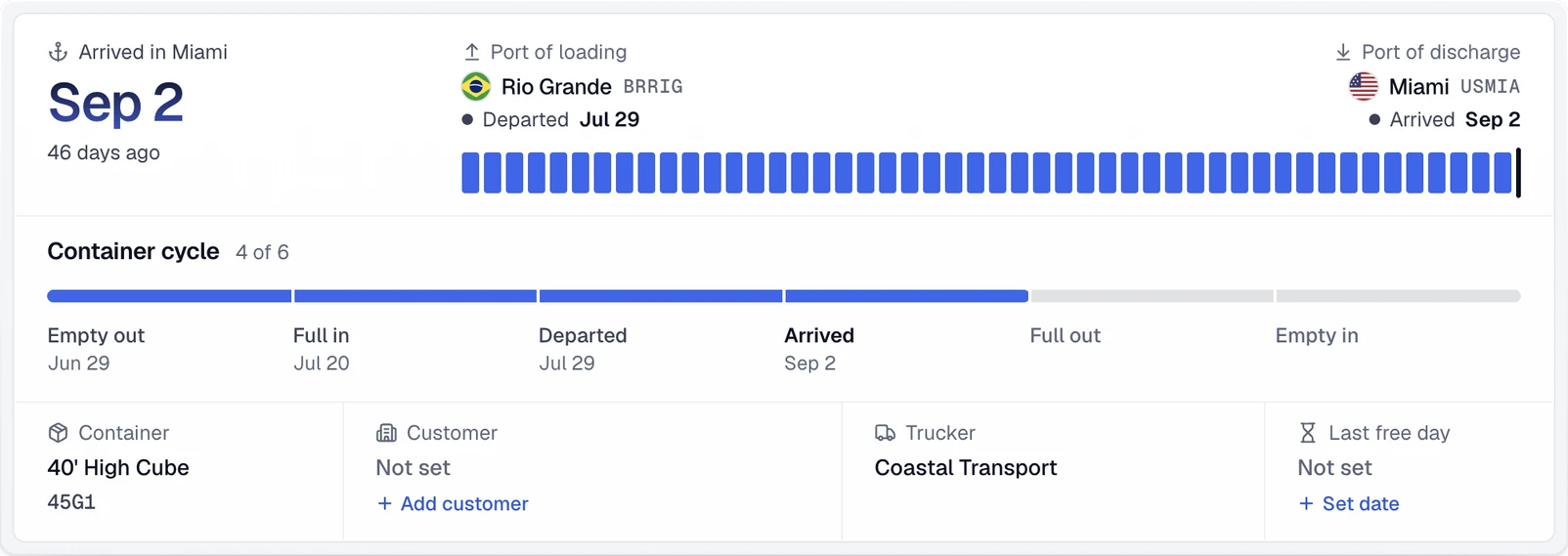
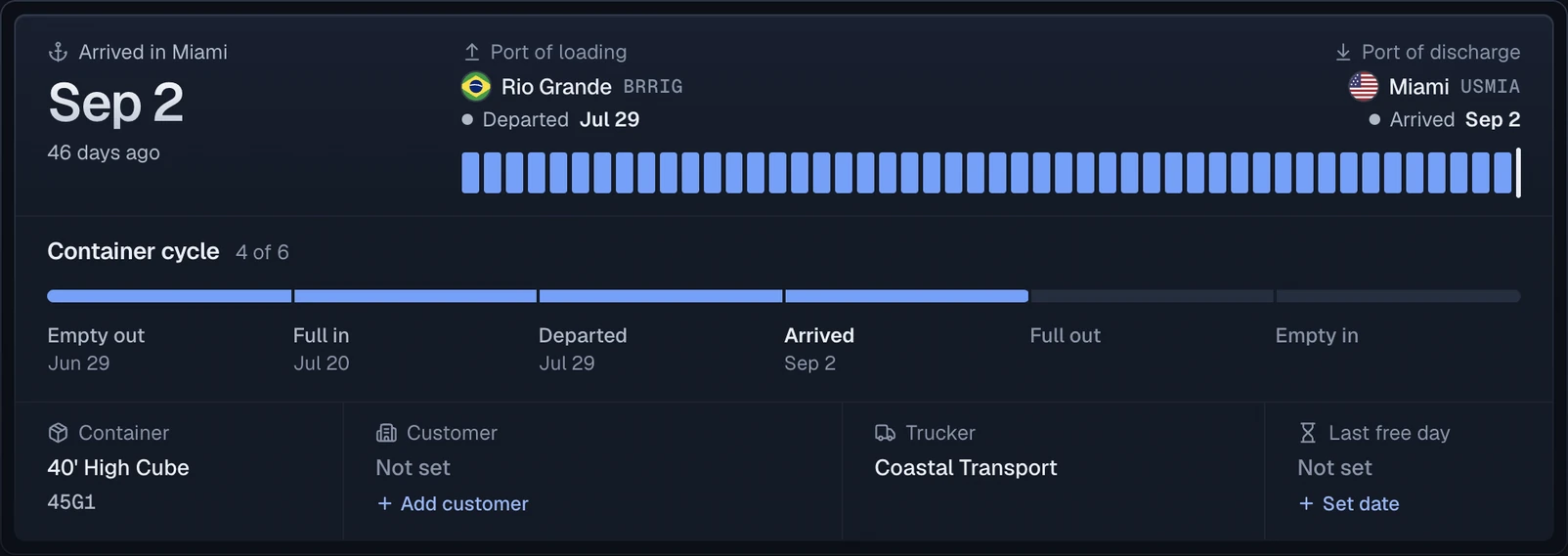
Each Matson container becomes one record with a journey summary: the port of loading, the port of discharge, the final destination and the line's ETA.
Official sources
Questions
Do I need a Matson account to check a container?
Not for the basic ocean shipment status. Matson's tracking page states that container status is accessible without a user ID or password, which covers a straightforward where-is-it question.
What does MATS mean on a Matson container?
MATS is a BIC-registered container owner code associated with Matson equipment. Enter the exact number from the container or shipment record rather than assuming a prefix.
Is CargoScope the official Matson tracker?
No. CargoScope is an independent multi-carrier workspace. Matson remains the authority for its own records, schedules, and instructions.