
How to track a CMA CGM container
Start with the complete container number shown on the shipping document or equipment. A standard container identifier has four letters followed by seven digits. CMDU is CMA CGM's SCAC, while CMAU is a BIC-registered CMA CGM container owner code. CargoScope uses the exact printed container number and keeps the resulting shipment available for later milestone and ETA review.
- Confirm all four letters and seven digits before searching
- Keep the CMDU carrier code separate from the CMAU equipment owner code
- Use the shipment record to monitor changes after the first lookup
CMA CGM tracking events to monitor
A useful container timeline is more than a current location. Depending on the shipment and available carrier data, teams may see origin gate-in, vessel loading, departure, transshipment, destination arrival, discharge, rail or inland movement, outgate, delivery, and empty-return context. CargoScope keeps confirmed events and the current carrier ETA together so teams can see what changed and what still has not happened.
- Origin gate-in, loaded-on-vessel, and departure events
- Transshipment, arrival, discharge, and ETA changes
- Inland, outgate, delivery, and empty-return context where available
CargoScope and the official CMA CGM tracker
CMA CGM provides its own shipment-tracking service for direct carrier lookups. CargoScope is an independent visibility product for teams that need to save and review containers across multiple shipping lines from one workspace. It does not claim an official CMA CGM partnership and does not replace carrier instructions, releases, or terminal systems.
When a CMA CGM status needs attention
The operational signal is often a missing or changed milestone: an ETA moves, a container arrives but discharge has not posted, discharge appears without later availability context, or an inland handoff remains quiet. CargoScope helps teams keep those available events attached to the same shipment record so an exception can be reviewed before it becomes a customer, warehouse, or drayage surprise.
- Review changed ETAs against downstream appointments
- Watch the gap between arrival, discharge, and pickup planning
- Verify terminal, customs, release, and free-time details with the responsible source
What you'll see in CargoScope
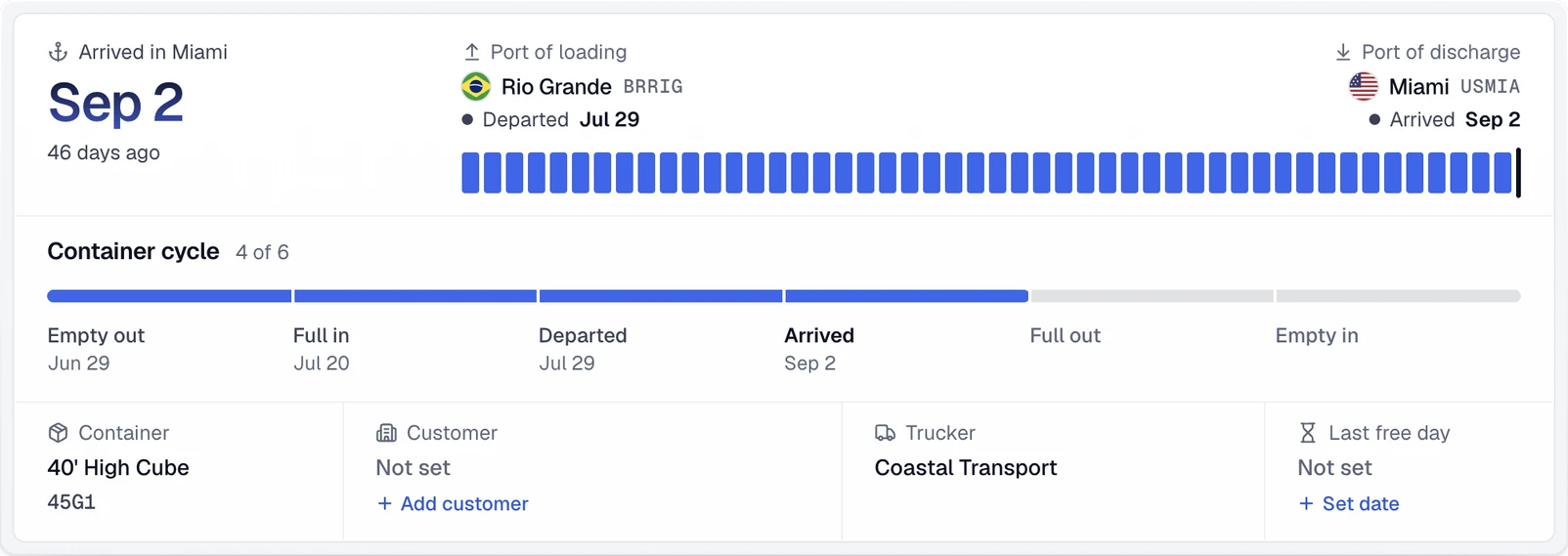
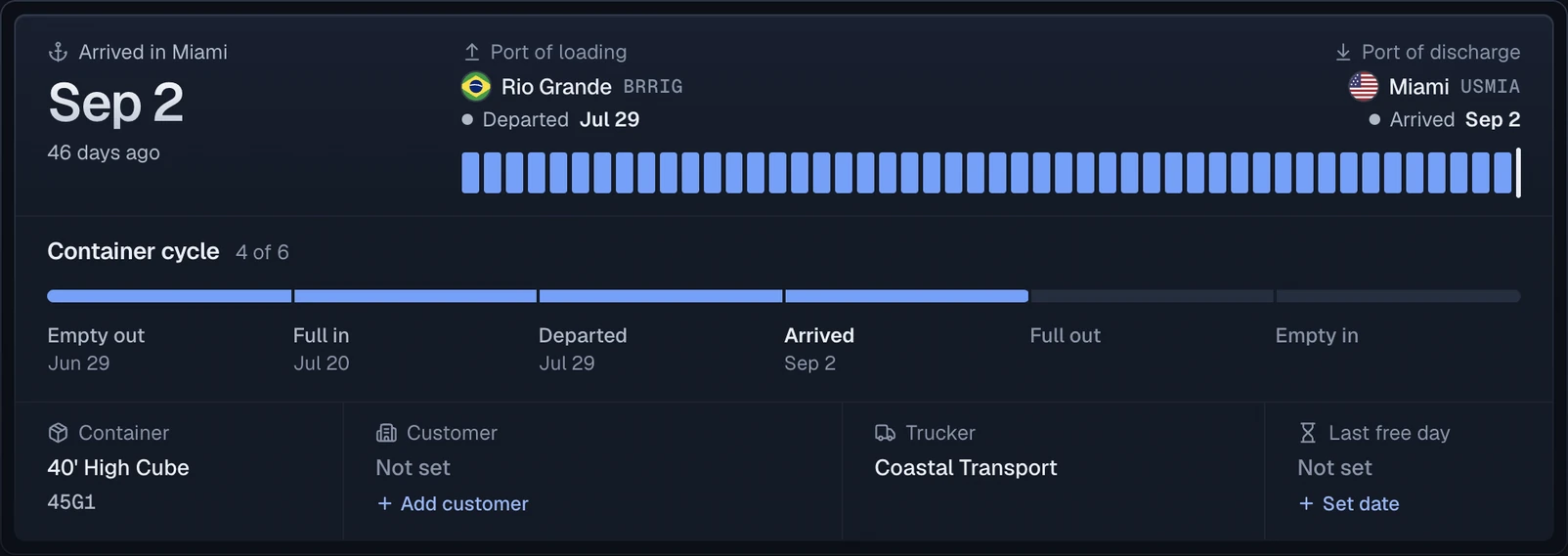
Each CMA CGM container becomes one record with a journey summary: the port of loading, the port of discharge, the final destination and the line's ETA.
Official sources
Questions
How do I track a CMA CGM container?
Enter the complete container number printed on the equipment. CMAU is a BIC-registered CMA CGM owner code; do not replace the printed code with the CMDU SCAC.
What does CMDU mean in CMA CGM tracking?
CMDU is CMA CGM's SCAC. It identifies carrier context and should not be confused with the BIC owner code printed on container equipment.
Which CMA CGM milestones can CargoScope show?
Available events can include origin, vessel, transshipment, arrival, discharge, inland, outgate, delivery, and empty-return milestones. Exact coverage varies by shipment, lane, carrier, and terminal.
Is CargoScope the official CMA CGM tracking website?
No. CargoScope is an independent container-visibility product. Use CMA CGM's official website when you need direct carrier instructions or an official carrier lookup.