
Mundra's four container terminals
Adani Ports' official Mundra overview identifies four container terminals in the port complex. That means a generic port arrival is only part of the operating picture: teams should identify the responsible terminal when possible and verify local release, gate, yard, tariff, and appointment details with the port or terminal operator.
- Four container terminals within the Mundra port complex
- Carrier and terminal context should be checked together
- Official port and terminal systems remain authoritative for local instructions
How to track a container through Mundra
Start with the complete container number and confirm the ocean carrier from the shipment record. CargoScope organizes available vessel, arrival, discharge, inland, ETA, outgate, and empty-return context. A carrier milestone does not by itself prove terminal release, customs clearance, gate availability, or pickup readiness, so verify those local conditions before dispatching a truck.
- Confirm the full container number and operating carrier
- Identify the Mundra terminal when the record provides it
- Verify release and gate conditions before pickup planning
Rail and road handoffs from Mundra
Mundra's official port information highlights road connections and double-stack rail capability. For inland moves, watch discharge, terminal handoff, rail departure or truck outgate, ramp or destination arrival, delivery, and empty return as separate milestones where coverage exists. A gap between those events is often more operationally important than the last known location.
- Double-stack rail and road connectivity support inland movement
- Treat discharge, rail, truck, and delivery milestones separately
- Coverage varies by carrier, route, facility, and source cadence
Use exceptions to focus the daily review
Changed ETAs, arrival without discharge, discharge without later inland context, or a delayed outgate can affect drayage, warehouse, and customer plans. CargoScope helps teams focus on those changes while Adani Ports, the responsible terminal, the ocean carrier, and customs systems remain authoritative for current operating instructions.
What you'll see in CargoScope
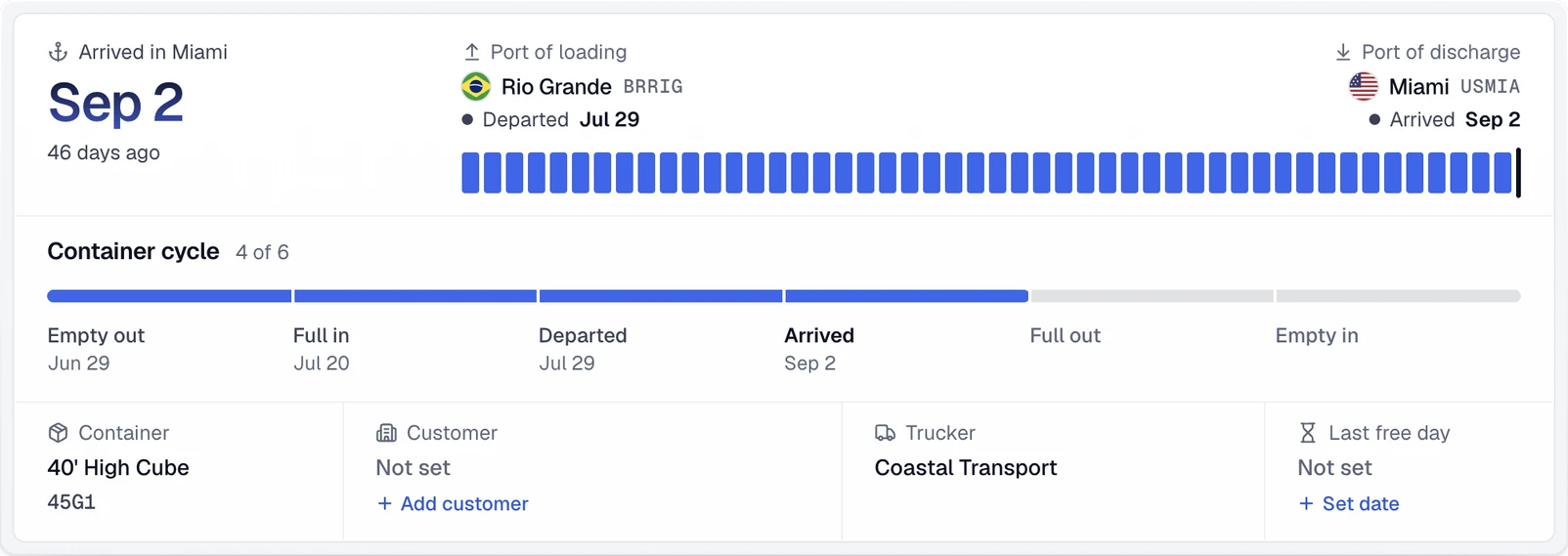
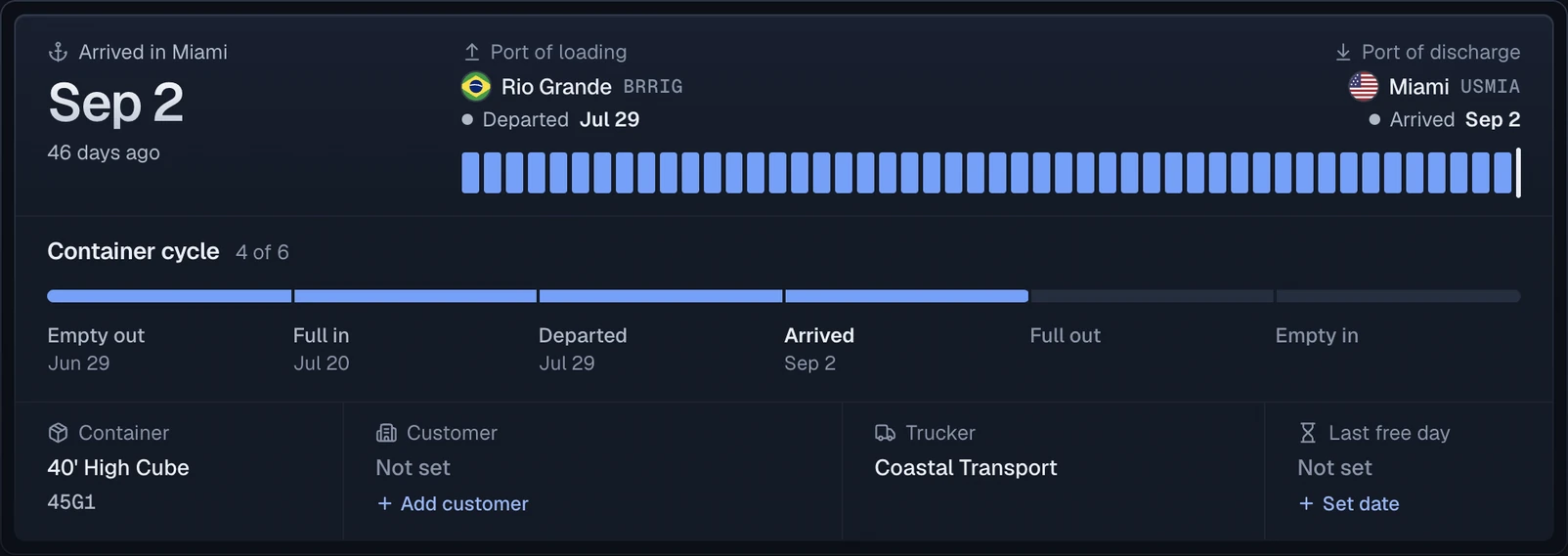
A container discharged at Mundra shows the port of discharge and the final destination as separate stops, so the move after the vessel stays on the same record.
Official sources
Questions
How many container terminals are at Mundra Port?
Adani Ports' official Mundra overview identifies four container terminals in the port complex. Confirm the responsible terminal for the specific shipment.
Can CargoScope show Mundra rail and outgate events?
CargoScope can show available rail, road, outgate, delivery, and other shipment context. Exact coverage varies by carrier, route, facility, and source.
Does vessel arrival mean a Mundra container is ready for pickup?
No. Arrival, discharge, customs or line release, terminal availability, and gate readiness are separate conditions that should be verified with the responsible official source.
Is CargoScope an official Mundra Port system?
No. CargoScope is an independent shipment-visibility product. Adani Ports and the responsible terminal remain authoritative for local status and instructions.