
Nhava Sheva and JNPA container terminals
Nhava Sheva is the common trade name for Jawaharlal Nehru Port. JNPA lists five container terminals in the port complex: Nhava Sheva Free Port Terminal (NSFT), Nhava Sheva International Container Terminal (NSICT), Gateway Terminals India / APM Terminals (GTI), Nhava Sheva International Gateway Terminal (NSIGT), and Bharat Mumbai Container Terminals (BMCT). Knowing the operating terminal helps teams verify local availability and gate information after checking the end-to-end container timeline.
- NSFT — Nhava Sheva Free Port Terminal
- NSICT and NSIGT — DP World-operated terminal facilities
- GTI / APM Terminals and BMCT / PSA terminal facilities
How to track a container through Nhava Sheva
Start with the full container number and carrier context. CargoScope organizes available shipment milestones and the current carrier ETA; the responsible JNPA terminal remains the authoritative source for terminal-specific release, gate, appointment, tariff, and local availability instructions. Using both views prevents a carrier milestone from being mistaken for a terminal release.
- Confirm the container number and ocean carrier
- Identify the operating JNPA terminal when it is available
- Verify terminal-specific release and gate details with the terminal operator
Nhava Sheva milestones that affect planning
Operations teams commonly watch vessel arrival, discharge, holds or release context, rail or road handoff, outgate, delivery, and empty return. The useful signal is the gap between those events: arrival without discharge, discharge without later availability context, or a quiet inland handoff can change drayage, warehouse, and customer plans.
- Vessel arrival and container discharge
- Terminal release, rail, road, and outgate context where available
- ETA changes and missing milestones that need follow-up
Rail and road handoffs from JNPA
Nhava Sheva containers can continue inland by rail or road after terminal processing. CargoScope keeps available inland events attached to the ocean shipment so forwarders, importers, brokers, and transport teams can review the same record while confirming local operational details with the carrier and terminal.
What you'll see in CargoScope
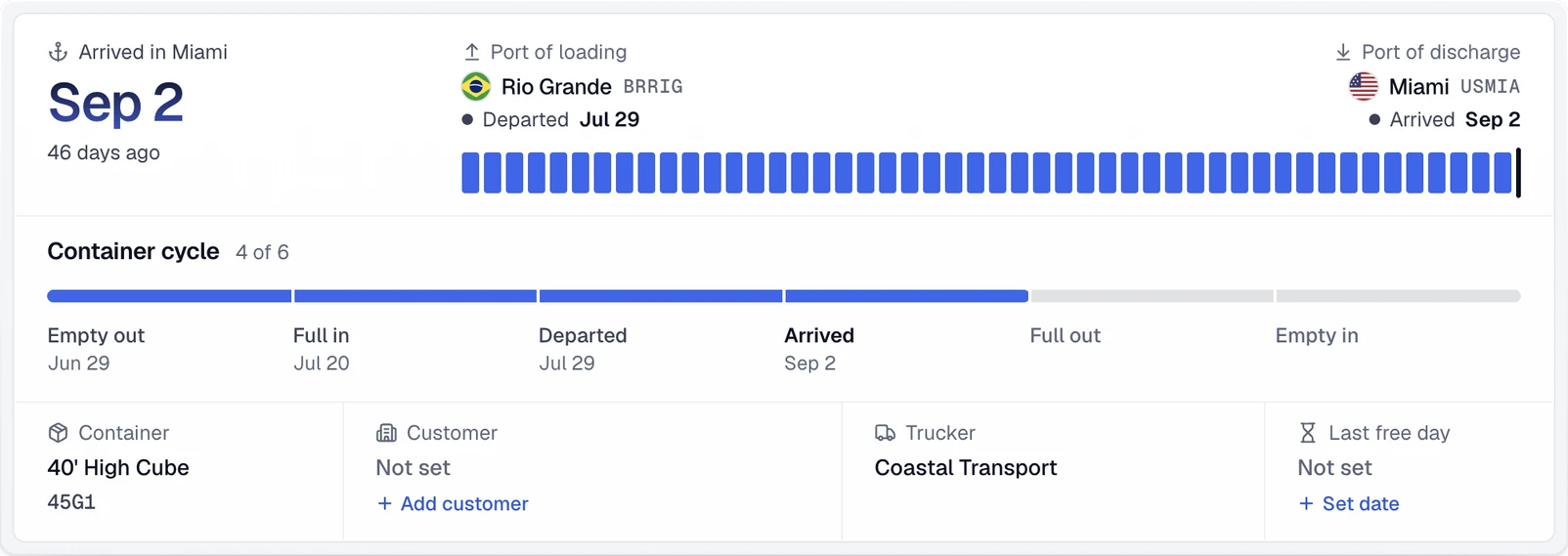
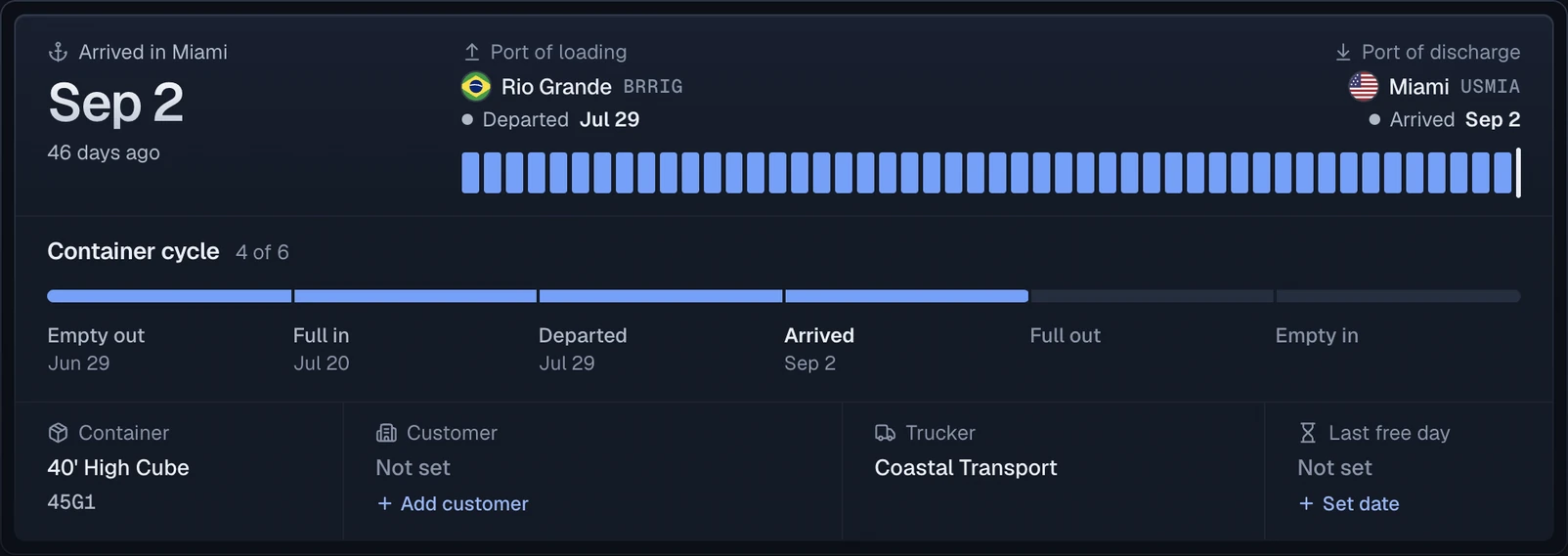
A container discharged at Nhava Sheva shows the port of discharge and the final destination as separate stops, so the move after the vessel stays on the same record.
Official sources
Questions
Is Nhava Sheva the same as JNPT or JNPA?
Nhava Sheva is the commonly used trade name for Jawaharlal Nehru Port. JNPT was the former port name; the authority is now called Jawaharlal Nehru Port Authority, or JNPA.
Which terminal is my container using at Nhava Sheva?
Check the carrier shipment record and terminal information for the specific voyage. JNPA has multiple container terminals, so terminal-specific availability and gate instructions should be verified with the responsible operator.
Can CargoScope show Nhava Sheva rail and outgate events?
CargoScope can show rail, inland, outgate, and other shipment context when those events are available from the underlying tracking data. Coverage varies by carrier, shipment, lane, and terminal.
Is CargoScope an official JNPA terminal system?
No. CargoScope is an independent shipment-visibility product. Use JNPA and the responsible terminal operator for official local instructions, releases, gate status, and tariffs.