
Track a HMM booking number
Use the booking number from the carrier booking confirmation or shipment documents. CargoScope sends visitors into the same booking workflow used inside the app: identifier type Booking, shipping line HMM, then a saved tracking request in the workspace.
- Booking number input on this page
- Shipping line preselected as HMM
- Supported carrier code: HDMU
- Saved workspace for milestone and ETA monitoring
When booking tracking is better than waiting
Use HMM booking tracking when the booking exists but every final container number is not yet confirmed or shared across the team. When the carrier links containers to the booking, CargoScope keeps those child containers and events attached to the saved shipment instead of making the team search again.
What the page is careful about
CargoScope does not claim an official HMM partnership, does not promise booking tracking for every shipping line, and does not fabricate shipment results on public pages. Booking updates depend on what the carrier returns for the booking reference.
When the container number becomes available
If a HMM container number is already available, use the container tracking workflow for that equipment. Booking tracking is most useful earlier, when the booking exists but every final container has not yet been confirmed or shared across the team.
What you'll see in CargoScope
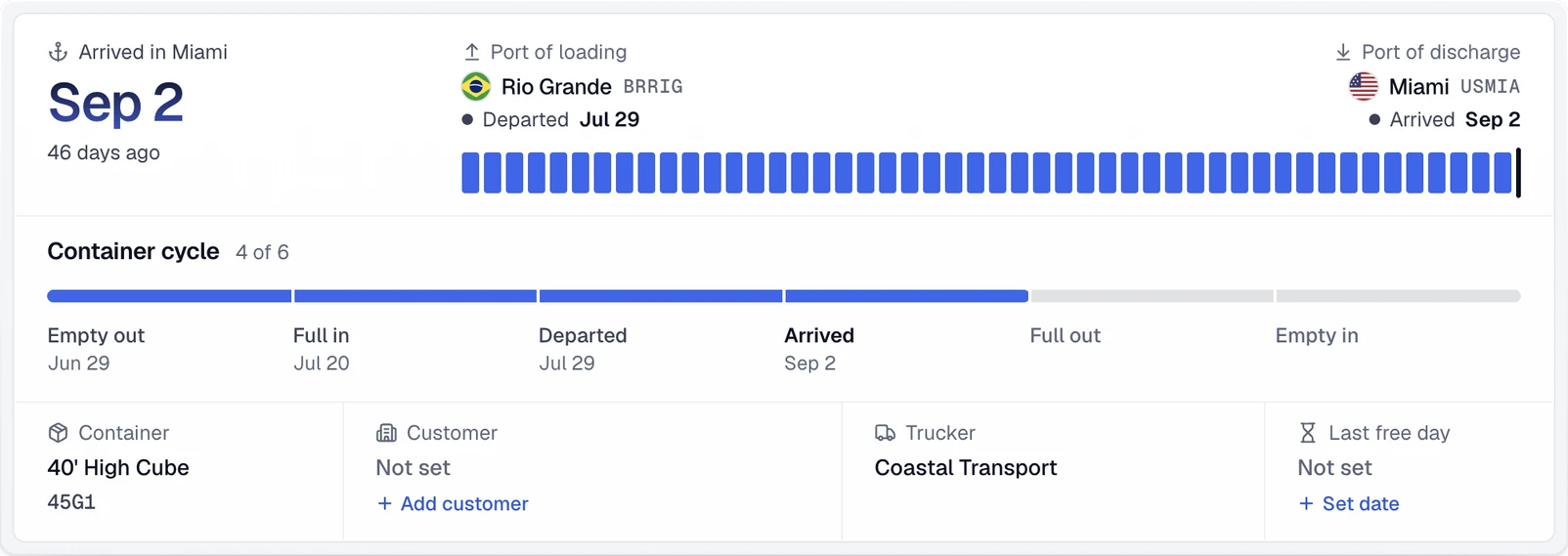
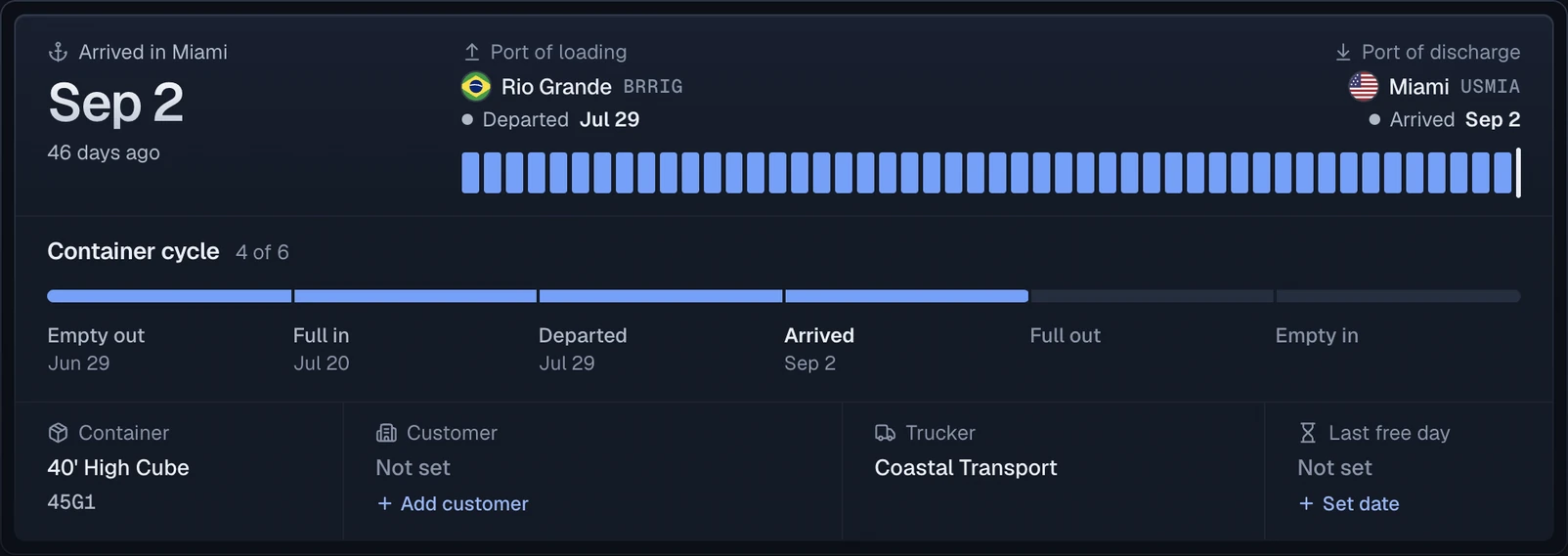
As HMM links containers to the booking, each one gets the same journey summary: the port of loading, the port of discharge, the final destination and the line's ETA.
Questions
Can I track a HMM booking number in CargoScope?
Yes. CargoScope supports HMM booking tracking when the tracking type is Booking and the shipping line is HMM.
Which shipping line should I choose for this HMM booking page?
Choose HMM. The form on this carrier page preselects that shipping line so the booking number is not treated like a container number.