Shipping line tracking

Hapag-Lloyd container tracking by container number.

Enter the complete Hapag-Lloyd container number, then review available actual and expected movements, ETA changes, terminal handoffs, inland events, and exceptions in CargoScope.

30-day free trialNo credit cardContainer-number first

Reviewed July 16, 2026

Container tracking

Start with the container number.

Live carrier monitoring starts after your workspace is created. Coverage varies by carrier and lane.

Shipping line

Hapag-Lloyd

Identifier

SCAC HLCU

Container prefixes

HLCU

Tracking method

Container-number-first shipment tracking

Workflow preview

Container number to shared operating context.

Container number

Start from the ocean container identifier your team already has.

Milestones

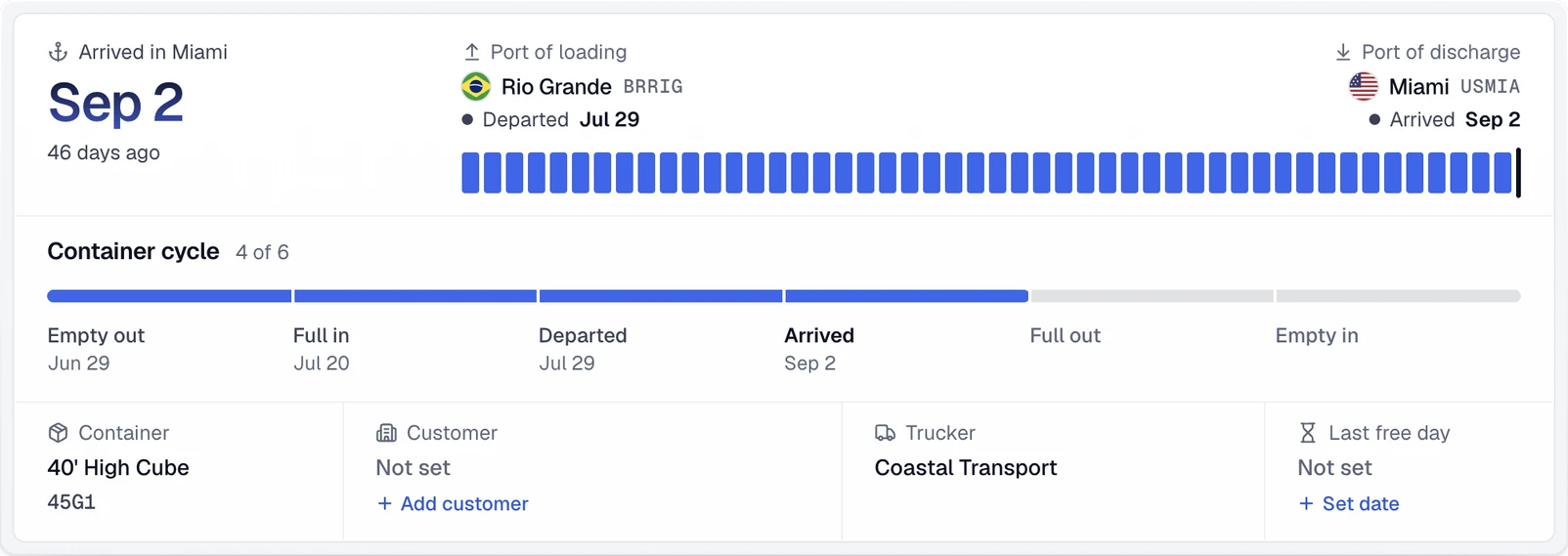
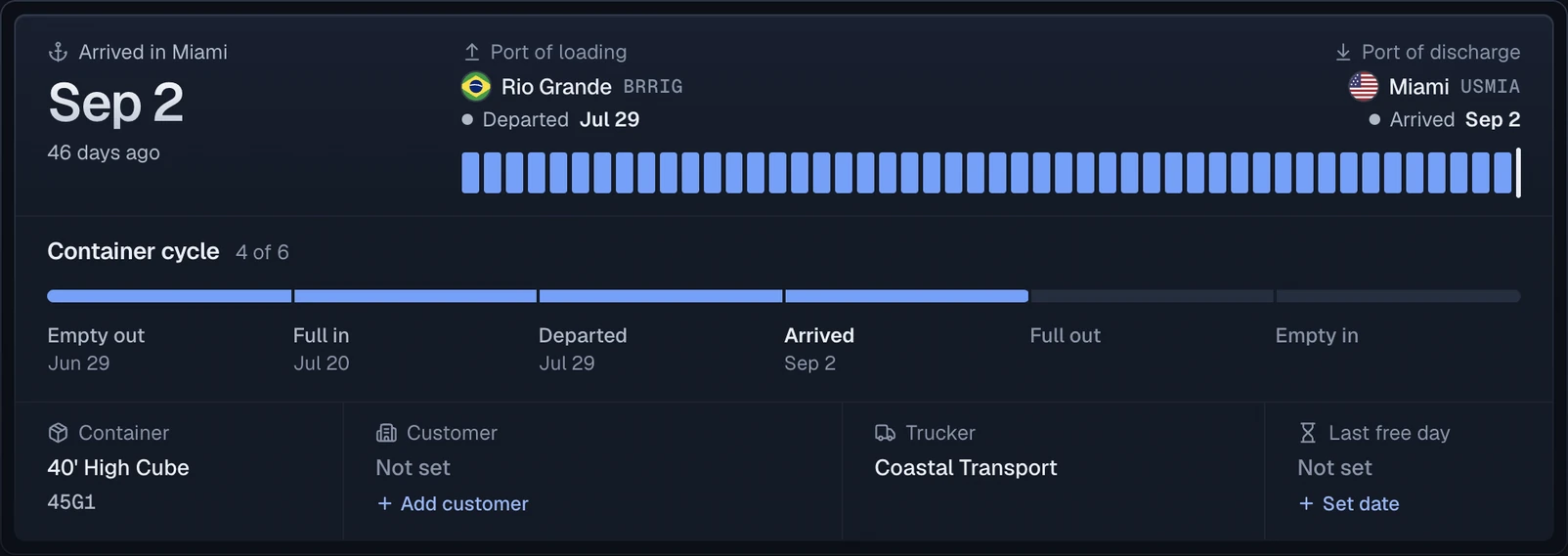
Review available shipment events, the current carrier ETA, and source context.

Alerts

Focus on changes, delays, and exception risk before status requests pile up.

Built for logistics teams

Product fit for freight operations teams that need status checks, exception review, and customer updates in one place.

Freight forwardersImporters & exportersCustoms brokersDrayage dispatch

What changes

A more specific container workflow for this team.

How to track a Hapag-Lloyd container

Start with the full equipment number shown on the container or shipment record. HLCU is a BIC-registered Hapag-Lloyd container owner code and is also used as carrier context. CargoScope uses the exact container number as the public input and keeps the shipment record available as later ocean, terminal, rail, truck, and empty-return events arrive.

  • Copy all four letters and seven digits
  • HLCU is registered to Hapag-Lloyd in the BIC owner-code registry
  • Use the event timeline to distinguish completed movement from future plans

Actual and planned data in Hapag-Lloyd tracking

Hapag-Lloyd's official tracking guide says its container view can show container information, movements, and status data, including actual or planned movements. That distinction matters operationally: an expected event is not proof that a physical handoff happened. CargoScope preserves available timeline context, while Hapag-Lloyd remains authoritative for direct carrier data and instructions.

Use the sequence, not one status label

Review origin activity, loading, departure, arrival, discharge, inland movement, outgate, delivery, and empty return as an ordered journey. A planned destination move may still change, and a vessel arrival does not prove discharge or pickup availability. CargoScope helps teams notice changed or missing milestones; terminal status, customs or carrier release, appointments, and exact charges require official confirmation.

  • Separate planned movements from confirmed physical events
  • Watch for changed ETAs and quiet periods after arrival or discharge
  • Verify availability, release, and local rules with the authoritative source

Before and after

From scattered checks to shared shipment context.

Before CargoScope

  • Start with the full equipment number shown on the container or shipment record. HLCU is a BIC-registered Hapag-Lloyd container owner code and is also used as carrier context. CargoScope uses the exact container number as the public input and keeps the shipment record available as later ocean, terminal, rail, truck, and empty-return events arrive.
  • Hapag-Lloyd's official tracking guide says its container view can show container information, movements, and status data, including actual or planned movements. That distinction matters operationally: an expected event is not proof that a physical handoff happened. CargoScope preserves available timeline context, while Hapag-Lloyd remains authoritative for direct carrier data and instructions.
  • Customers ask for updates before the team has a clean shared answer.

With CargoScope

  • CargoScope keeps container milestones, the current carrier ETA, and caveats in one workspace.
  • Teams can review changed shipments before writing customer status language.
  • Related pages keep carrier, lane, port, and glossary context easy to explore.

Workflow note

CargoScope is useful when the team needs one place to understand what changed and what still needs verification.

CW

CargoScope workflow note, freight operations

FAQ

What teams ask first.

What does HLCU mean on a Hapag-Lloyd container?

HLCU is a BIC-registered Hapag-Lloyd container owner code. Track the complete identifier printed on the equipment.

What is the difference between a planned and actual movement?

A planned movement is expected but not yet confirmed as physically completed. Use actual events when deciding whether a handoff occurred.

Is CargoScope the official Hapag-Lloyd tracker?

No. CargoScope is an independent multi-carrier visibility product. Hapag-Lloyd's site is the direct official carrier source.

Start tracking containers with CargoScope.

Track a container free, review open pricing, or create an account when you are ready to save shipments.