
Use the Eimskip reference exactly as issued
Start with the complete Bill of Lading or booking number from the Eimskip booking record and choose Eimskip as the shipping line when you add it. CargoScope tracks Eimskip shipments by those two references; a container number on its own is not supported for Eimskip. CargoScope also does not publish an unverified Eimskip equipment prefix or guess one from a similar company name, because the four-letter owner code printed on a container may belong to the equipment owner rather than the operating carrier.
- Copy the full B/L or booking number from the shipment record
- Choose Eimskip as the shipping line when you add the shipment
- Confirm the operating carrier in the booking or official portal
CargoScope and the official myEimskip portal
Eimskip describes myEimskip as its customer portal for viewing and tracking shipments. It also publishes cargo-status API documentation for tracking-number enquiries. Those official systems remain the direct source for Eimskip-specific records. CargoScope provides a separate multi-carrier workflow for teams that need saved shipment timelines and exception review across a broader portfolio.
Monitor ocean and inland handoffs separately
Eimskip services can involve ocean, port, trucking, and other inland handoffs depending on the route. Follow loading, departure, arrival, discharge, inland movement, delivery, and empty-return context as separate events where coverage exists. A quiet timeline does not prove the container stopped moving; coverage varies by shipment, route, facility, and source cadence.
- Compare the current ETA with confirmed physical milestones
- Watch the gap between port events and inland delivery
- Verify local availability and delivery instructions with Eimskip or the responsible facility
What you'll see in CargoScope
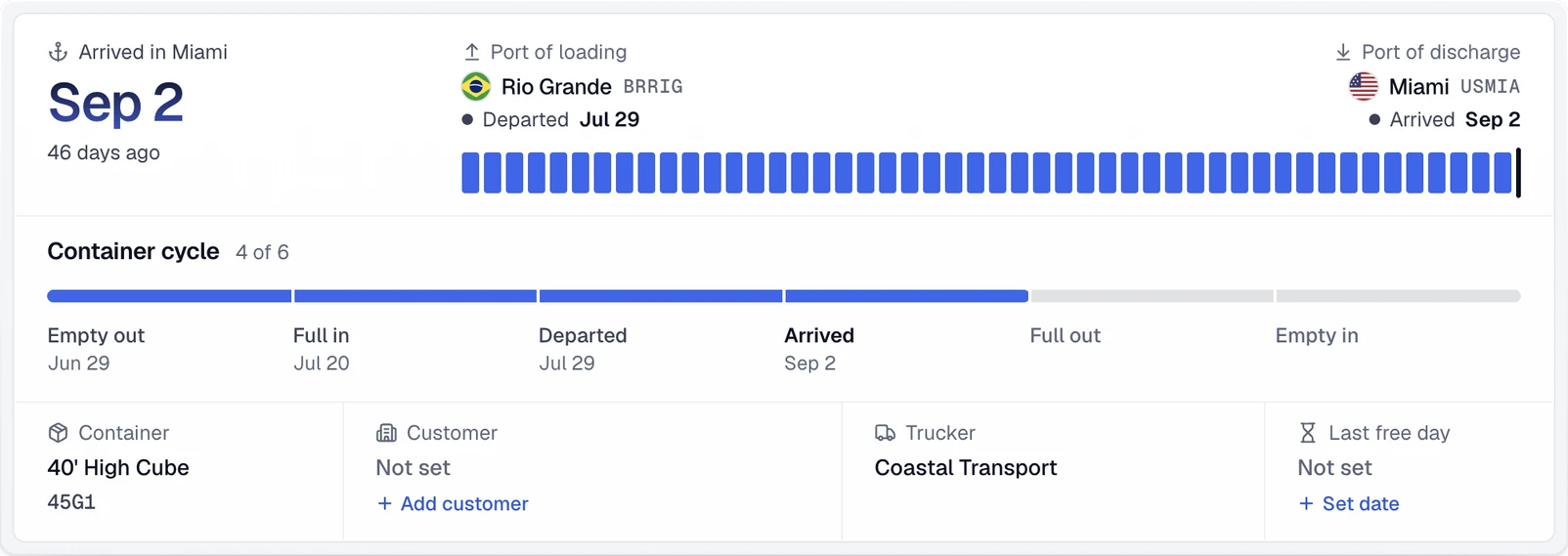
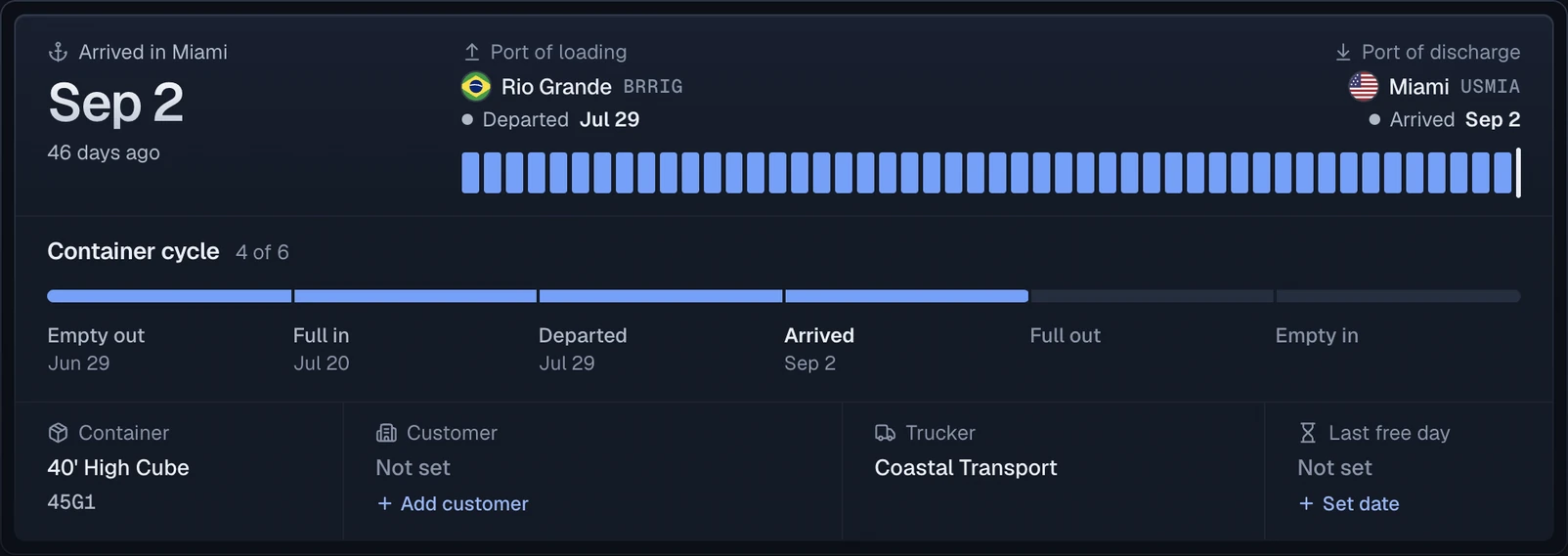
Each Eimskip shipment becomes one record with a journey summary: the port of loading, the port of discharge, the final destination and the line's ETA.
Official sources
Questions
Where can I find official Eimskip shipment tracking?
Eimskip provides shipment visibility through its myEimskip customer portal. CargoScope is an independent multi-carrier workspace.
Can I track an Eimskip container by its container number?
Not on its own. CargoScope tracks Eimskip shipments by Bill of Lading or booking number. When Eimskip links containers to that reference, each one appears with its own timeline.
Which Eimskip events can CargoScope show?
Available events can include ocean, port, inland, arrival, delivery, and empty-return context. Exact coverage varies by shipment, route, facility, and source.