
CN network and terminal context
CN's official network materials describe an approximately 20,000-route-mile, three-coast network reaching the Atlantic, Pacific, and Gulf coasts, supported by 23 strategically located intermodal terminals. Its terminal directory covers Canadian gateways such as Vancouver, Prince Rupert, Montreal, and Halifax plus U.S. locations including Chicago, Detroit, Memphis, and New Orleans. CargoScope can surface available end-to-end milestones, while CN's directory remains the source for terminal hours, gate appointments, driver registration, port codes, and FIRMS codes.
- Three-coast network across Canada and the United States
- Official materials identify 23 strategically located intermodal terminals
- Terminal directory includes hours, port or FIRMS codes, appointments, and driver resources
CN rail milestones to watch
Intermodal rail visibility matters after discharge because a container can shift from ocean-carrier planning into inland ramp, train movement, availability, drayage appointment, and final delivery work. CargoScope helps teams keep CN rail context attached to the shipment instead of treating the rail leg as a separate manual lookup.
- Freight intermodal network in Canada and United States
- Container-number-first tracking workflow
- Rail ramp, availability, and handoff context where available
- Useful for importers, forwarders, drayage teams, and customer updates
Why inland rail visibility affects container operations
The inland leg often creates the operational pressure that customers feel most: a container may arrive at the port, transfer to rail, wait at a ramp, become available, miss an appointment, or create free-time exposure before a team notices. A practical visibility workflow gives operations a shared place to review what changed and decide which containers need action today.
- Reduce status checks across separate portals and emails
- Give customer-facing teams clearer update context
- Spot shipment changes before they become avoidable exceptions
Milestones to monitor around rail moves
Rail-connected container workflows usually depend on a sequence of events rather than one final status. Teams may review vessel discharge, rail departure, rail arrival, ramp availability, outgate, delivery, and empty-return context where that data is available. CargoScope keeps those signals attached to the container record so teams do not lose context between ocean, rail, and truck handoffs.
- Discharge and rail departure context
- Rail arrival, unloaded, and availability signals
- Outgate, delivery appointment, and empty-return context
Container-first rail tracking
Start with the container number when evaluating rail-connected shipment visibility. CargoScope keeps available inland rail events attached to the ocean shipment record so teams can review the handoff without treating the rail leg as a separate shipment.
What you'll see in CargoScope
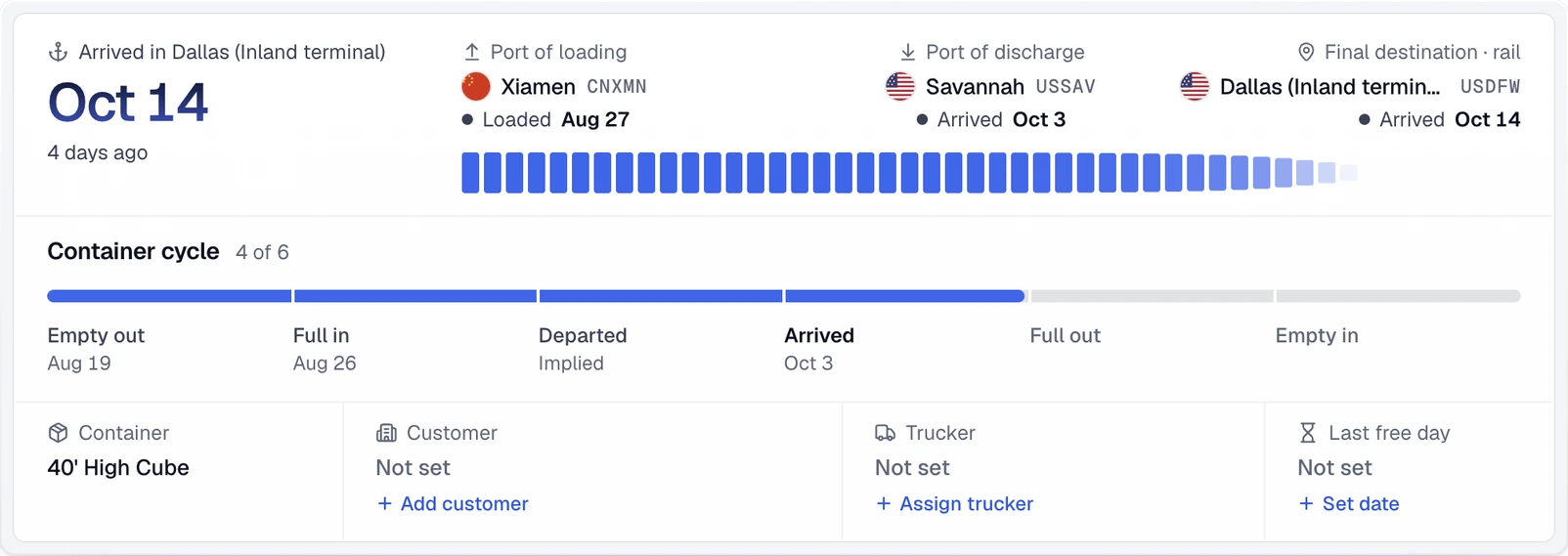
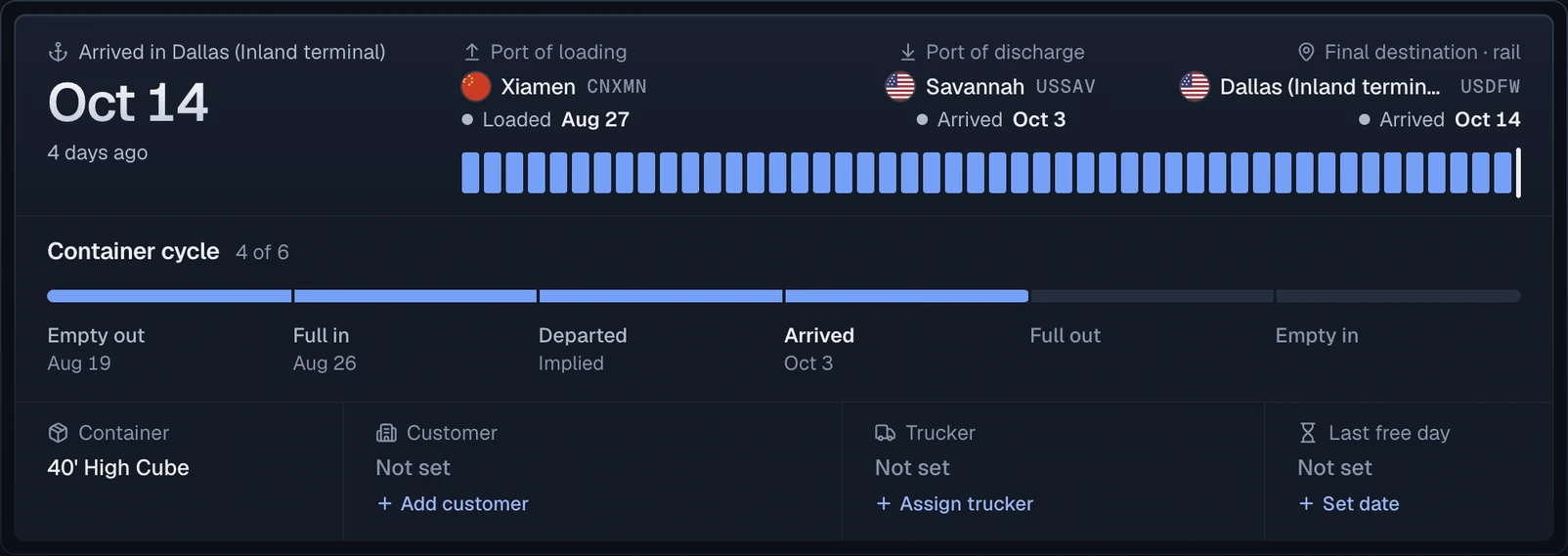
The journey summary keeps the port of discharge and the final destination apart, so a container that continues inland by rail is not read as delivered at the port.
Official sources
Questions
How do I track a Canadian National Railway rail container move?
Start with the container number in CargoScope. Rail carrier context can help explain the inland leg, but the public workflow is container-number first.
Is CargoScope officially partnered with Canadian National Railway?
CargoScope does not claim an official rail carrier partnership on this page. It helps teams centralize available container tracking updates and shipment milestones.
Can CargoScope show CN rail milestones?
CargoScope can help teams review rail and inland milestones where those updates are available for the shipment. It does not invent rail events or promise unavailable carrier data.